
A tour of Deffier.
Eight things you will use in the first hour, with the key or command for each.
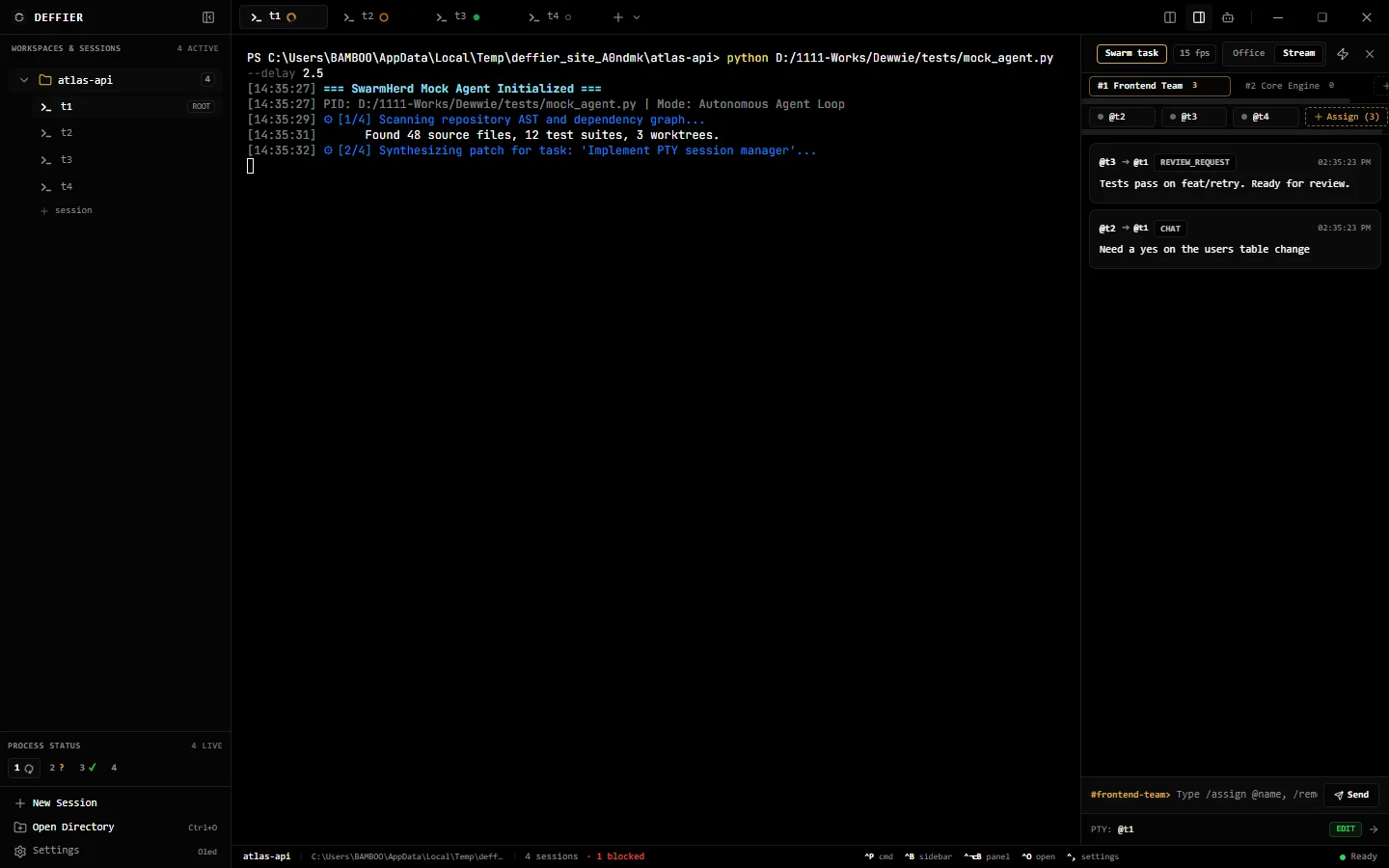
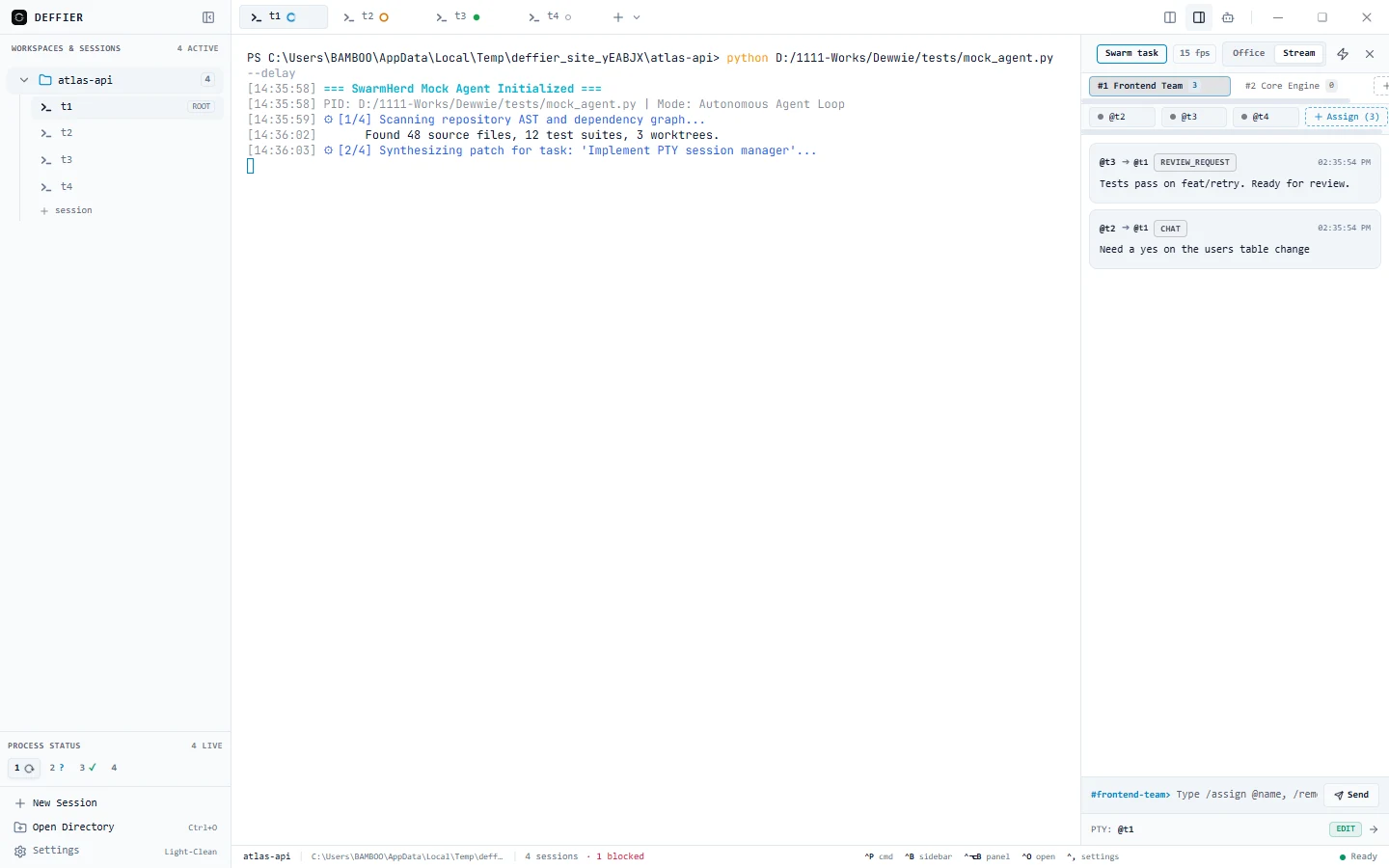
Every terminal is a session: t1, t2, t3.
Open as many as you need in one project. Each runs a real shell or an agent CLI.
- Ctrl+T new session
- Ctrl+1 to 5 switch
Four rings: working, waiting, done, idle.
Read from what each terminal does, so they stay right when an agent forgets to report.
- Automatic
Two agents on one screen.
Split the view to watch one agent work while you answer another.
- Split button in the header
Agents post where you can read it.
Messages are signed with the sender’s session name. A message to one agent also shows in its terminal.
deffier room send "Ready for review" --target t1Tasks out, branches back.
Each task gets its own git worktree and branch. Optional checks must pass; nothing merges without you.
deffier swarm "Write tests for utils/date.ts" --agent claude --wait- Ctrl+Shift+A
Jobs on a schedule that stop to ask.
Cron or a new commit starts a run. A permission request parks it until you approve.
deffier autopilot runsOne login per profile.
claude1, codex2, gemini3: each profile is its own config folder, so accounts never mix.
deffier profile listTen themes, dark and light.
Pick a theme, a terminal font and a size. Everything else stays where you left it.
- Ctrl+, settings